
Disney SpellStruck: Magical Crossword Adventures
Overview
Disney SpellStruck is a word-based puzzle game that blends classic crossword mechanics with a whimsical, adventure-driven experience. Designed for fans of Disney and Pixar, the game transforms the traditional crossword into an interactive journey across themed maps, each featuring unique levels and challenges. Players solve word puzzles by filling in blank spaces using clues, a familiar mechanic found in titles like Wordgrams and the New York Times Crossword.
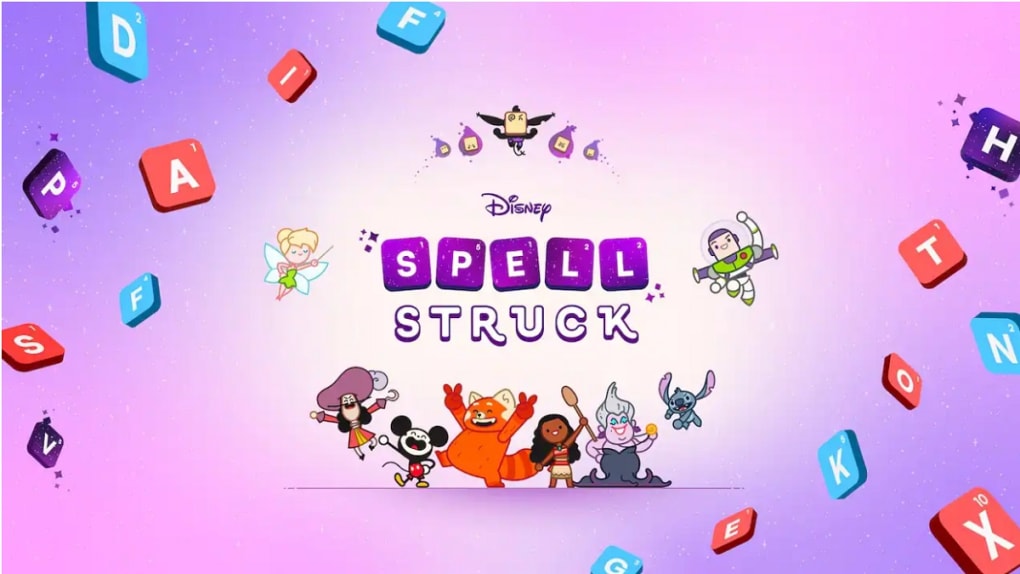
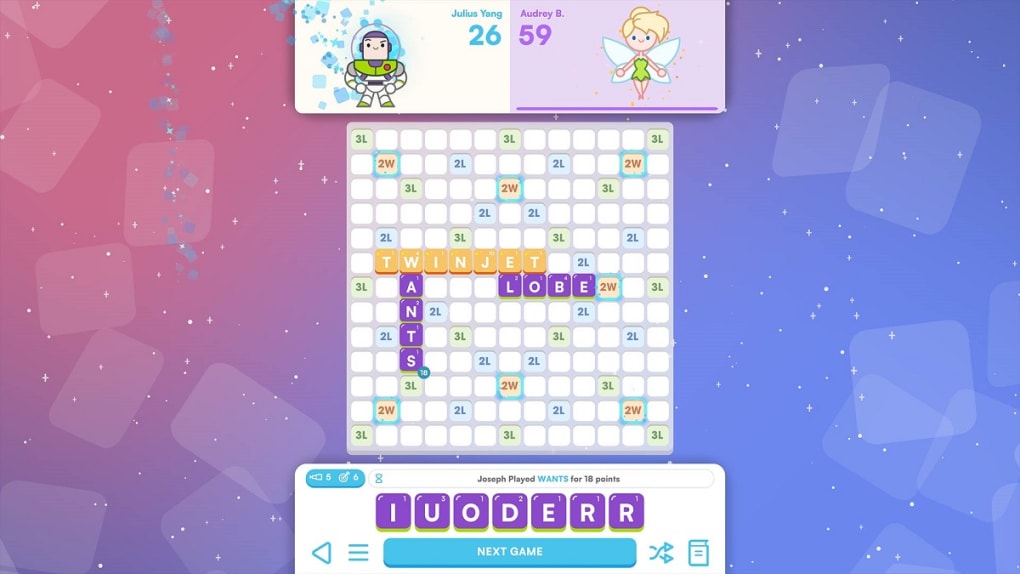
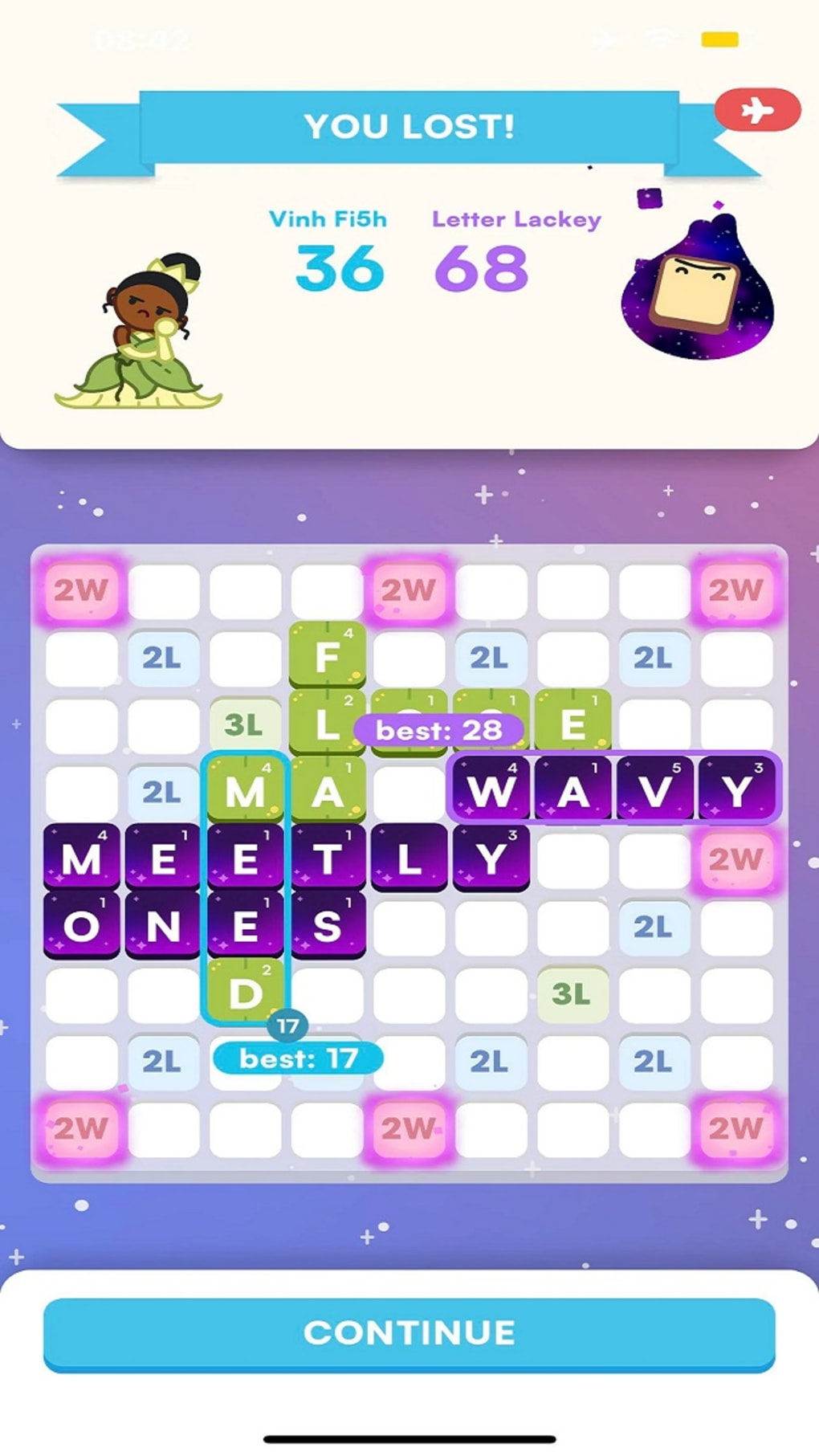
However, Disney SpellStruck enhances this format by integrating beloved characters from Disney and Pixar, turning each completed puzzle into a narrative milestone. As players progress through over 60 levels, they unlock new characters and collect them, adding a layer of engagement beyond mere wordplay. The game also introduces multiple gameplay modes, including a competitive Versus Match that enables head-to-head play with friends via Game Center.
Daily challenges offer fresh puzzles, encouraging consistent engagement. The developer did not provide additional details about the studio or background. Real-world usage scenarios include casual gameplay during breaks, family-friendly entertainment, or competitive play among friends.
The combination of puzzle-solving and character collection makes it suitable for both younger audiences and nostalgic adult fans of Disney’s storytelling universe.
Key Features & Capabilities
- Themed Maps and 60+ Levels – Players explore four distinct themed maps, each with unique visual designs and puzzle styles. Completing levels unlocks new characters and advances the story.
- Daily Challenges – A new crossword puzzle is available each day, offering fresh content and opportunities to earn exclusive characters and rewards.
- Character Collection System – As players solve puzzles, they rescue and collect Disney and Pixar characters, which can be used to unlock special abilities or superpowers.
- Game Modes – Three gameplay modes are available: Story Mode for solo progression, Versus Match for competitive play, and Daily Challenges for time-limited puzzles.
- Multiplayer via Game Center – Players can challenge friends who also have Game Center accounts and compare scores on a global leaderboard.
- Progressive Power-Ups – Collected characters grant unique abilities that can assist in solving puzzles faster or improving scores.
These features support a variety of user workflows. For example, a player might begin with Story Mode to enjoy the narrative arc, then switch to Daily Challenges for quick, engaging sessions. The character collection system encourages repeated play, while the Versus Match mode fosters social interaction. The integration of Game Center allows for persistent progress tracking and competitive engagement. These elements combine to create a structured yet flexible experience that balances casual play with long-term goals.
User Interface, Workflow & Performance
The user interface of Disney SpellStruck is designed with a clear visual hierarchy, prioritizing puzzle readability and character visibility. Navigation is straightforward, with main menus guiding users to Story Mode, Daily Challenges, and multiplayer options. The layout adapts well to both Windows and Mac platforms, maintaining consistent functionality across devices.
Puzzle grids are well-spaced, and clue panels are positioned for easy access without obstructing gameplay. The workflow is linear in Story Mode, with levels unlocking sequentially, while the Versus Match mode requires a connection to Game Center. The developer did not specify resource usage details, so exact performance metrics remain unknown.
However, the game’s 450MB installation size suggests moderate system demands. General performance observations are based on typical desktop puzzle game behavior. Stability appears to be consistent, with no reported crashes or bugs in public sources.
The game runs in a windowed mode, allowing multitasking during gameplay. Overall, the interface supports intuitive navigation and efficient puzzle-solving, minimizing friction for users of all experience levels.
Compatibility & System Requirements
Disney SpellStruck is compatible with both Windows and Mac operating systems, as specified in the product details. The software version is 1.0.1, and the installation size is 450MB. The developer did not provide additional system requirements, such as minimum CPU, RAM, or graphics specifications.
Exact hardware compatibility information is limited. Platform compatibility is confirmed for desktop environments, but no details were given about support for touchscreens, high-resolution displays, or specific GPU models. The game does not appear to require a dedicated graphics card, based on its size and category.
Users should ensure their system meets general desktop application standards. The developer did not specify whether the software supports older OS versions or requires administrator privileges during installation.
Pros and Cons
Pros
- Engaging blend of crossword puzzles and Disney character collection
- Over 60 levels across four themed maps offer substantial content
- Daily challenges provide recurring motivation and fresh gameplay
- Multiplayer mode via Game Center supports competitive and social play
- Character-based superpowers add a unique layer of progression
- Free to download and play with no upfront cost
Cons
- Multiplayer functionality requires Game Center accounts, limiting accessibility
- System requirements and performance data were not publicly disclosed
- Gameplay may feel repetitive for users unfamiliar with crossword mechanics
- No information on offline mode availability
- Character collection and power-ups may favor frequent players
FAQ Section
Is Disney SpellStruck free to download?
Yes, Disney SpellStruck is available at no cost. There are no fees for downloading or playing the base version of the game.
What platforms does Disney SpellStruck support?
The software is compatible with both Windows and Mac operating systems. No mobile or console versions are listed.
Can I play Disney SpellStruck offline?
Information about offline functionality was not provided. The game may require an internet connection for certain features, such as multiplayer and daily challenges.
Does Disney SpellStruck require a Game Center account?
Yes, the Versus Match multiplayer mode requires a Game Center account to play against friends and access the global leaderboard.
How often are new puzzles added?
Daily challenges introduce a new crossword puzzle each day, offering fresh content and opportunities to earn exclusive rewards.
Final Thoughts
Disney SpellStruck successfully reimagines the crossword puzzle genre by infusing it with Disney’s iconic storytelling and collectible character mechanics. The game offers a rich, layered experience that appeals to both puzzle enthusiasts and fans of animated franchises. With over 60 levels, daily challenges, and a multiplayer component, the content depth is impressive for a free desktop application.
The integration of Game Center enables social competition, while the character collection system fosters long-term engagement. Although some details like system requirements and offline play are unclear, the overall design is polished and user-friendly. The combination of familiar gameplay with a magical twist makes it a standout choice for casual gamers and Disney lovers alike.
For those seeking a lightweight, entertaining puzzle experience with a nostalgic edge, Disney SpellStruck delivers on its promise. Download Disney SpellStruck now.







